
Resetting a smart garage door opener is one of the most effective ways to resolve connection errors, app failures, and unresponsive remotes without calling a technician. The process involves more than just unplugging the unit and plugging it back in, and doing it incorrectly can erase important settings that take time to restore.
Smart garage door openers rely on a combination of Wi-Fi, app connectivity, and programmed memory to function properly every single day. Understanding how to reset smart garage door openers correctly ensures the system comes back online fully configured and with no missing settings.
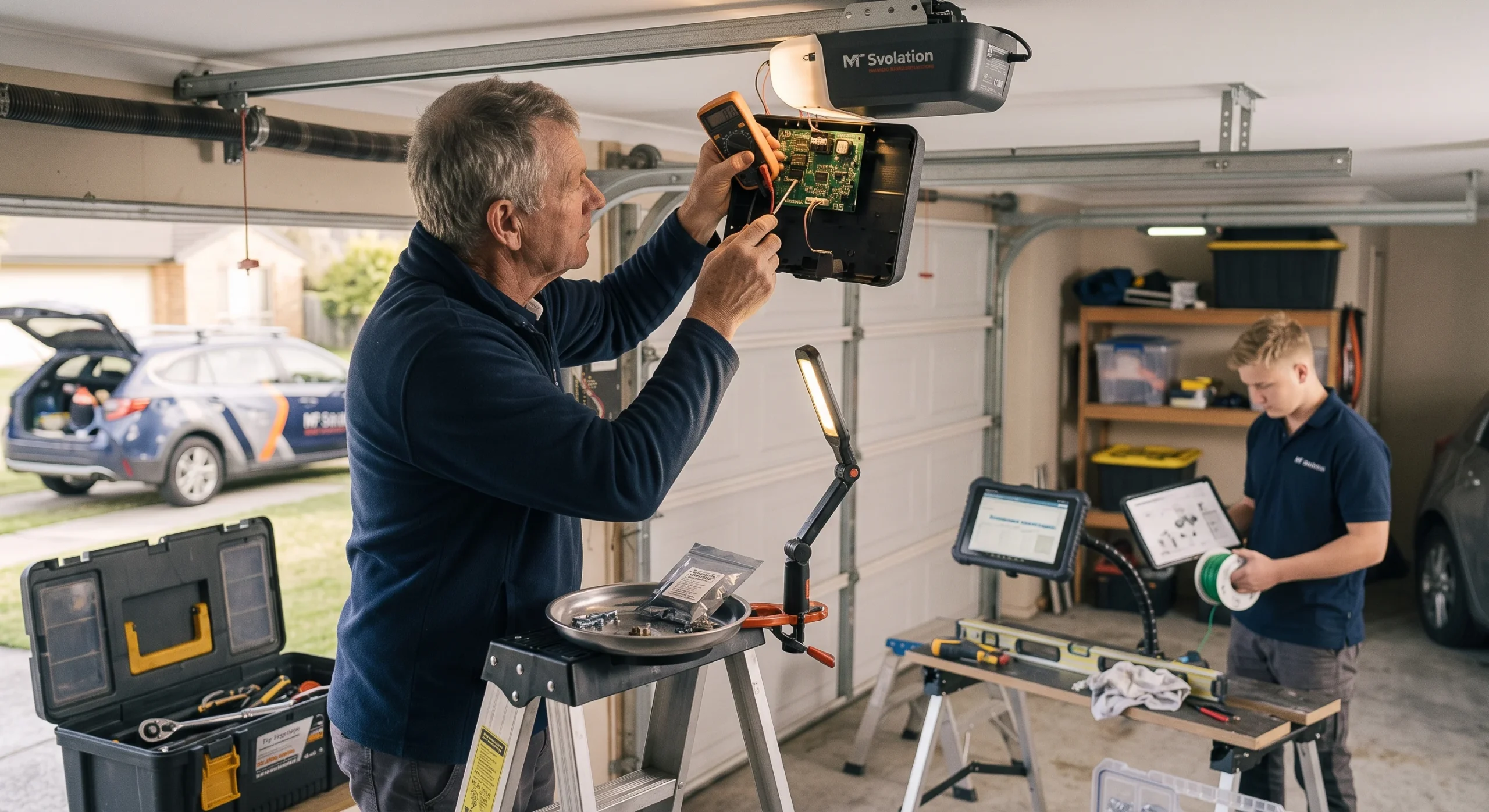
Why Is Resetting a Smart Garage Door Opener Important?
A reset clears stored errors and forces the opener to re-establish all its connections from scratch, making it the most practical first step before considering any garage door repair or replacement.
Here is why resetting matters:
- Restores the connection between the opener and the smartphone app
- Clears corrupted settings that cause the door to behave unexpectedly
- Re-establishes communication with smart home devices like Google Assistant and Amazon Alexa
- Resolves app syncing errors that block remote access from working properly
- Eliminates minor software glitches before they turn into bigger mechanical problems
To understand which specific issues trigger the need for a reset, read our guide on What Causes Smart Garage Door Openers to Fail?, which covers the most common failure points homeowners in Niles, IL experience before a reset becomes necessary.
Common Reasons Why Smart Garage Door Openers Need a Reset
Smart garage door openers lose their settings more often than most people expect, and it usually comes down to a handful of recurring causes.
Here are the most common reasons a reset becomes necessary:
- A change in the home Wi-Fi network name or password disconnects the opener from the app
- Power outages and electrical surges wipe the opener’s internal memory and paired device data
- A replaced or lost remote requires the motor unit to be fully reprogrammed
- A new smartphone or app update breaks the existing pairing with the opener
- Sensor misalignment or failure triggers error states that require a full system reset
Identifying the root cause before performing a reset makes the process more effective and reduces the likelihood of the issue recurring.
Types of Resets Smart Garage Door Owners Should Know About
Understanding the different types of resets prevents homeowners from wiping important settings when a simpler option would have solved the problem.
| Reset Type | What It Does | Best Used When |
| Soft Reset | Reboots the opener without erasing any saved settings | The opener is lagging or unresponsive through the app |
| Hard Reset | Wipes all paired remotes, access codes, and app connections | Moving into a new home or revoking previous access |
| Wi-Fi and App Reset | Clears only the network and app pairing data | The opener works manually but cannot connect to the internet |
| Remote and Keypad Reset | Removes only paired remotes and keypads from memory | A lost remote needs to be deactivated, or new ones need to be added |
Choosing the correct reset type from the start saves time and avoids the extra work of reprogramming settings that did not need to be cleared.
What to Check Before Resetting a Smart Garage Door Opener
Skipping a quick inspection before resetting can mean erasing settings that did not need to be cleared in the first place.
Here is what to check before performing a reset:
- Confirm the opener is plugged in and the circuit breaker has not tripped
- Check that the door sensor is properly aligned and free of dirt or obstructions
- Verify the home Wi-Fi signal is strong enough to reach the opener
- Make sure the smartphone app and opener firmware are both up to date
- Test the remote and wall control to rule out a simple battery or wiring issue
Completing these checks first narrows down the actual cause and prevents a minor connectivity issue from turning into a garage door emergency.
How to Reset a Smart Garage Door Opener
Resetting Wi-Fi and App Connections
A dropped Wi-Fi connection is the top reason smart garage door openers stop responding through the app.
Steps to reconnect the opener to the home network:
- The Wi-Fi or setup button on the hub is usually located next to the LED indicator
- Hold the button for 5 to 10 seconds until the LED flashes blue, green, or amber
- Navigate to Add Device or the network settings menu inside the app
- Enter the updated Wi-Fi credentials and follow the on-screen pairing instructions
- Test app control from another room to confirm the connection was restored
Re-pairing the hub refreshes the entire network link and brings every app-dependent smart feature back online.
Clearing Remotes, Keypads, and Cars
Wiping the motor unit’s memory is necessary when moving into a new home, replacing a lost remote, or removing access that is no longer needed.
Follow these steps to clear and reprogram the opener’s memory:
- The Learn, Program, or Set button is on the motor unit mounted to the garage ceiling
- Hold the Learn button for 15 to 30 seconds until the LED turns off or flashes
- Release the button only after full confirmation that the memory has been cleared
- Reprogram each remote and keypad by pressing the Learn button briefly
- Press the device being paired until the opener confirms the sync
Every previously paired remote, keypad, and vehicle system must be reprogrammed before normal access is restored.
Basic Power Cycle Reset
Power cycling reboots the opener’s internal processor and re-establishes all active connections without erasing any programmed settings.
Complete a basic power cycle with these steps:
- Unplug the opener from the power outlet completely
- Wait 10 to 15 seconds to allow the internal memory to fully discharge
- Plug the unit back in and allow at least one minute for it to reboot
- Check the app to confirm the opener has come back online
- Test both the app and the remote control to verify full operation has been restored
Skipping the full discharge period often causes the issue to persist, and repeated failures after power cycling may indicate a need for a garage door replacement.
What to Do If the Reset Still Did Not Work
A reset resolves most connectivity issues, but persistent problems usually point to a mechanical or electrical issue that requires closer inspection.
Here is what to do when the reset does not produce results:
- Motor unit shows visible damage such as burn marks, cracks, or melted components
- Drive belt, chain, or screw drive has signs of wear or physical disconnection
- LED flash patterns do not match any standard error code in the manual
- App displays diagnostic alerts or error messages after the reset attempt
- Schedule a professional inspection when repeated resets produce no change in the opener’s behavior
To determine whether the repair is worth handling alone or requires a licensed technician, read our guide on Smart Garage Door Opener Repair: DIY or Hire a Pro, which walks through the most critical factors that define the right call for each situation.
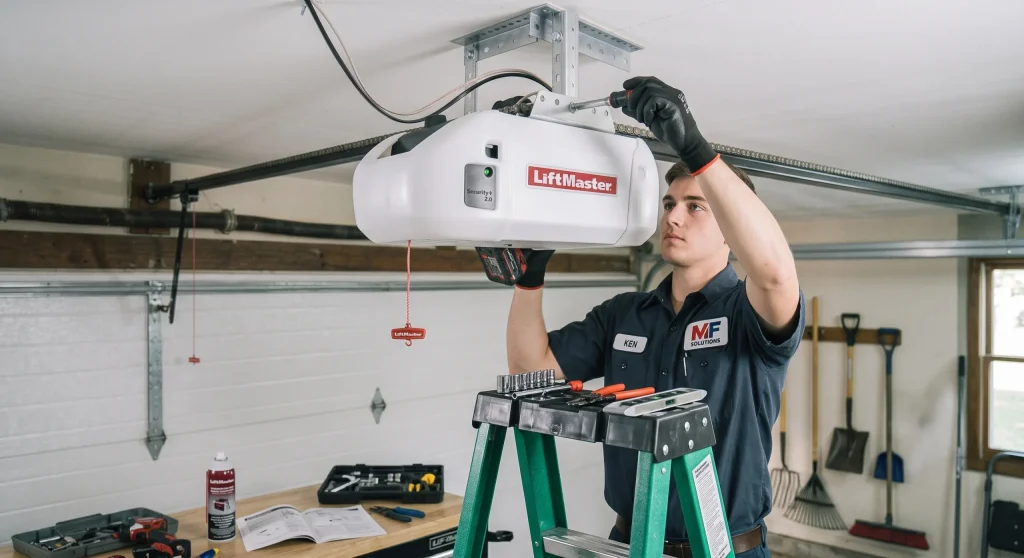
How Regular Maintenance Reduces the Need to Reset a Smart Garage Door Opener
A well-maintained smart garage door opener holds its settings longer, stays connected more consistently, and rarely develops the kind of errors that trigger a reset.
Here is how regular maintenance keeps resets at bay:
- Updated firmware and app versions prevent compatibility issues that disconnect the opener
- Aligned door sensors reduce false error signals that force unnecessary resets
- Regular remote and keypad testing confirms proper pairing with the motor unit
- Routine inspections in Niles, IL, identify worn components before they affect performance
- Consistent Wi-Fi monitoring around the garage eliminates repeated dropout issues
To explore the full maintenance routine that keeps smart garage door openers performing at their best, read our guide on How to Maintain Smart Garage Door Openers, which covers every key area homeowners should address regularly.
Reset Your Smart Garage Door Opener the Right Way With Expert Help
Resetting a smart garage door opener resolves most connectivity and app-related issues, and knowing the correct process helps homeowners avoid unnecessary service calls. Understanding when a reset is enough and when the system needs professional attention keeps the opener running the way it was designed to.
MF Solutions serves homeowners in Niles, IL, with years of experience installing, repairing, and maintaining smart garage door openers across a wide range of brands and models. Contact us or give us a call today, and let our team pinpoint the exact issue and restore the opener to full working condition.
Frequently Asked Questions
Can I reset a smart garage door opener without the original remote?
Yes. Most smart garage door openers have a Learn or Reset button on the motor unit that allows a reset without using the original remote. The button is typically located on the back or side of the motor unit near the antenna wire.
Will a factory reset affect the smart home integrations I already set up?
Yes. A factory reset wipes all smart home integrations, including connections to Google Assistant, Amazon Alexa, and Apple HomeKit. Every integration will need to be reconfigured from scratch after the reset is completed.
What does a smart garage door opener do that a standard opener cannot?
What a smart garage door opener does goes beyond basic open and close functions by adding app control, instant alerts, remote operation, and voice command compatibility. Smart garage door openers also integrate with home automation systems, allowing homeowners to monitor and control the door from anywhere.
How many times can a smart garage door opener be reset before it causes damage?
Occasional resets do not damage the opener. However, frequent resets that are needed just to keep the unit functioning are a sign of an underlying issue that should be inspected by a professional.
Are smart garage door openers safe to use for daily home access?
Yes, smart garage door openers are safe for daily use and feature multiple layers of protection. Modern units include encrypted signals, auto-reverse sensors, and advanced security features that make them more secure than traditional garage door openers.
Can a smart garage door opener be reset remotely through the app?
Some models allow a soft reset or reconnection attempt via the myQ app, but a full factory reset typically requires physical access to the motor unit's Learn or Reset button. Always check the manufacturer's instructions to confirm what the app supports for the specific model being used.
At what point should a reset lead to a full smart garage door opener replacement?
Smart garage door opener replacement becomes the practical option when the unit is over 10 years old, no longer supports current app versions, or continues to malfunction after multiple resets and professional repairs. Replacing an aging unit with a newer model restores seamless smart home integration and improves overall reliability.
How long does it take for a smart garage door opener to reconnect after a reset?
Most openers reconnect within 1 to 3 minutes after a reset, depending on the model and the strength of the home Wi-Fi signal. Proper smart garage door opener installation ensures the unit is positioned close enough to the router for a stable connection, making future resets and reconnections much faster.
Does resetting a smart garage door opener also reset the travel limits and force settings?
A Wi-Fi or app reset does not affect travel limits or force settings since those are stored separately in the motor unit's mechanical memory. Granting temporary access to family members or service providers after a reset is simple and can be managed directly through the smart home system without reprogramming the entire unit.